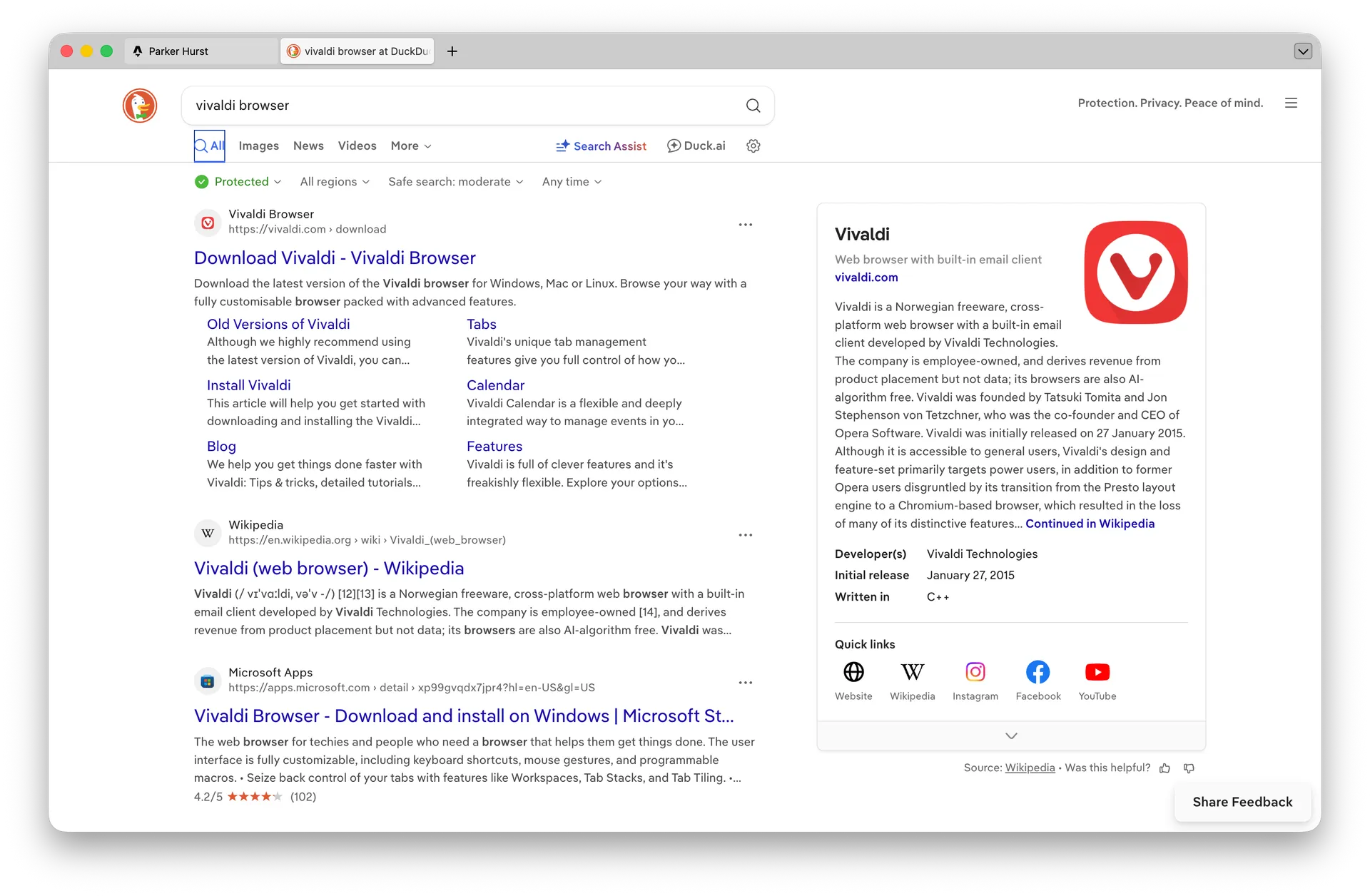
Trying the Vivaldi Browser
Vivaldi is a source-available Chromium-based browser made in Norway for every major desktop and mobile platform. It has various built-in optional features such as an email client, calendar, and even a small SNES-style game. But, its main selling point is its customizability.
I made my Vivaldi a very, very minimal browser, with the only browser element visible at all times being the (horizontal)* tab bar. I use the built in Subtle and Issuna themes for light and dark mode respectively, since they’re not eye catching or overly colorful like the default light theme.
One “problem” I have with Vivaldi is that it’s based on Google’s Chromium engine. Chromium itself is open-source, but it’s mainly contributed to and maintained by Google. That being said, Google has zero role in Vivaldi’s development. In fact, if you try to switch your search engine to Google, there’s a pop up telling you that Google isn’t a Vivaldi partner (like DuckDuckGo or Startpage). Even though Google controls the upstream codebase, Vivaldi maintains its independence while also allowing native Chrome plugins to work.
Vivaldi also leverages the power of defaults by setting the default search engine to Startpage, a privacy-respecting search engine, as opposed to Google or Bing. Other companies, such as Apple and Mozilla, are paid billions of dollars by Google to keep it as their default search engine.
Overall, Vivaldi doesn’t get in the way. Unlike browsers like Arc (RIP) or Chrome, which center getting any information as fast as possible, Vivaldi lets you control your experiece.
Notes
* Vivaldi can have vertical tabs as well on either the left or right.